Omnichannel Inbox for small teams
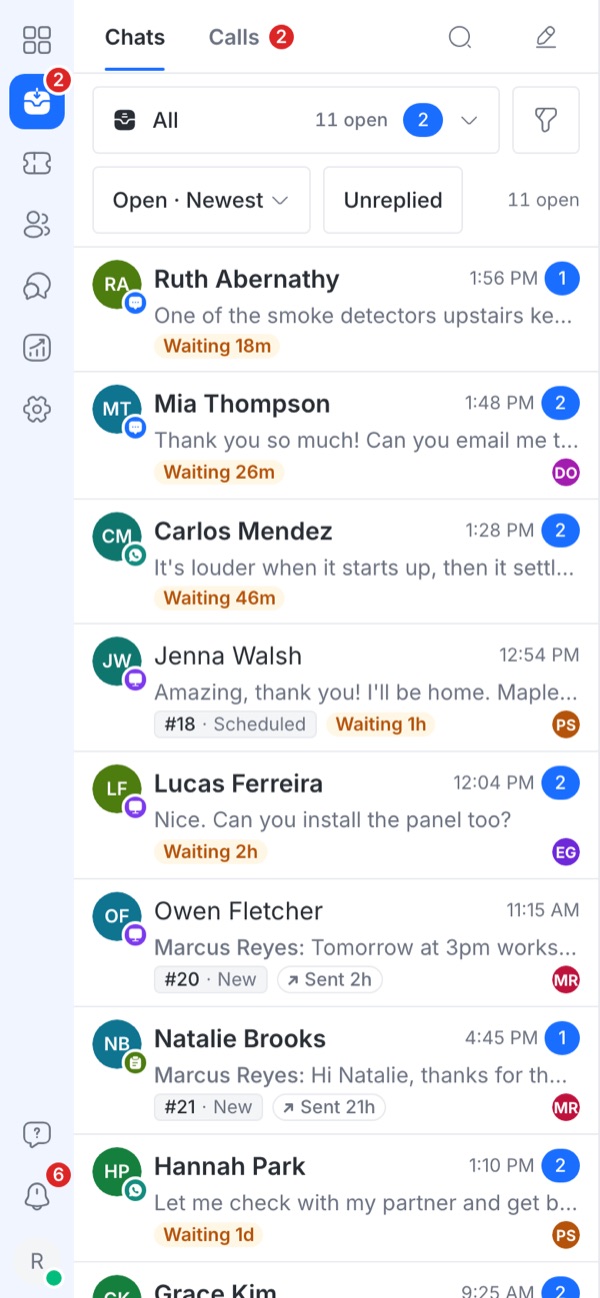
WhatsApp, SMS, email, website chat, web forms and phone calls in one shared inbox. Your whole team answers from one place, on the desktop or on the phone.
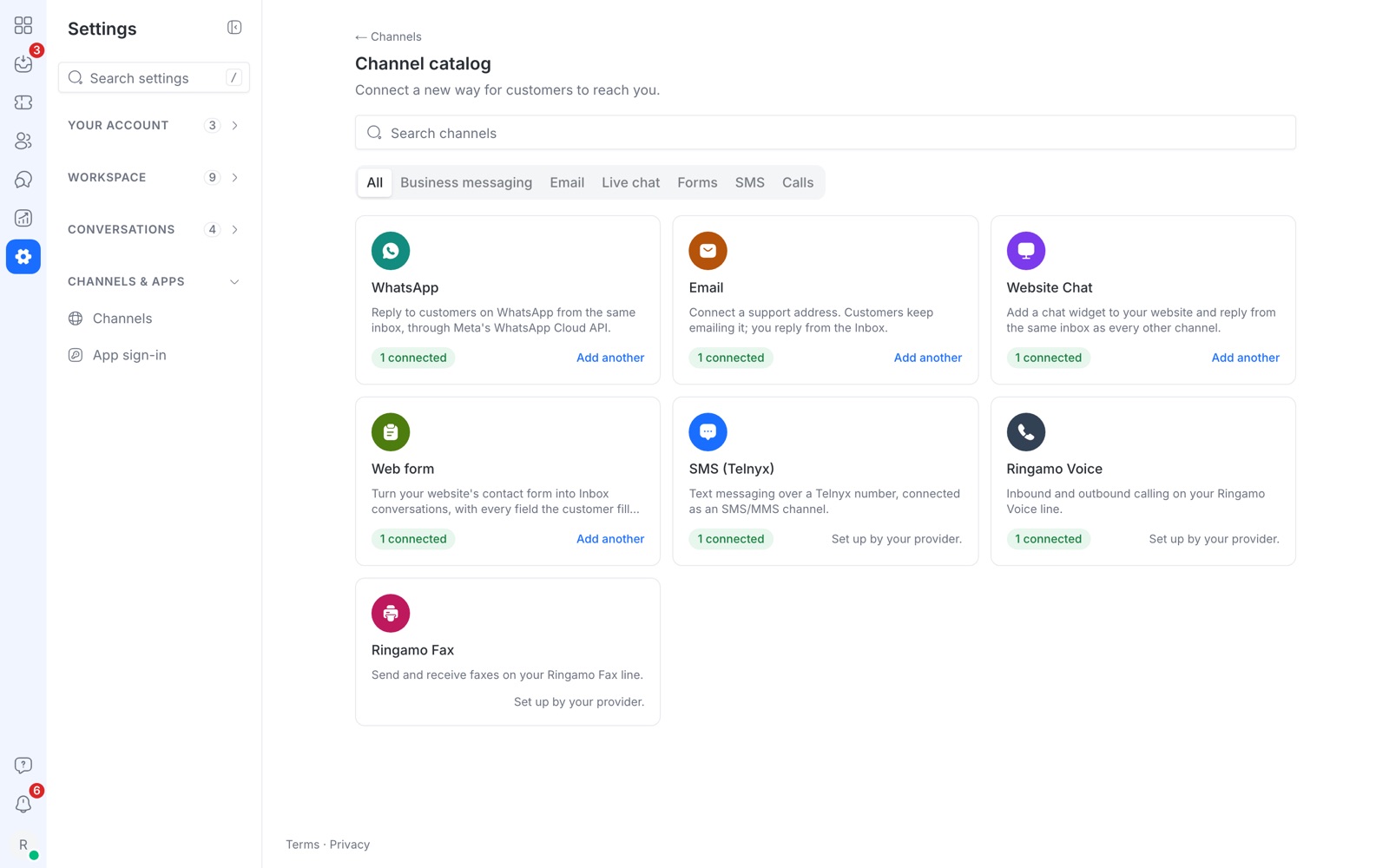
One shared inbox for every channel
Connect the channels your customers already use. Messages from all of them land in the same list, so nothing sits unread in a separate app.
- WhatsApp Business (Meta Cloud API)
- Email support addresses
- Website chat and web forms
- SMS and phone lines
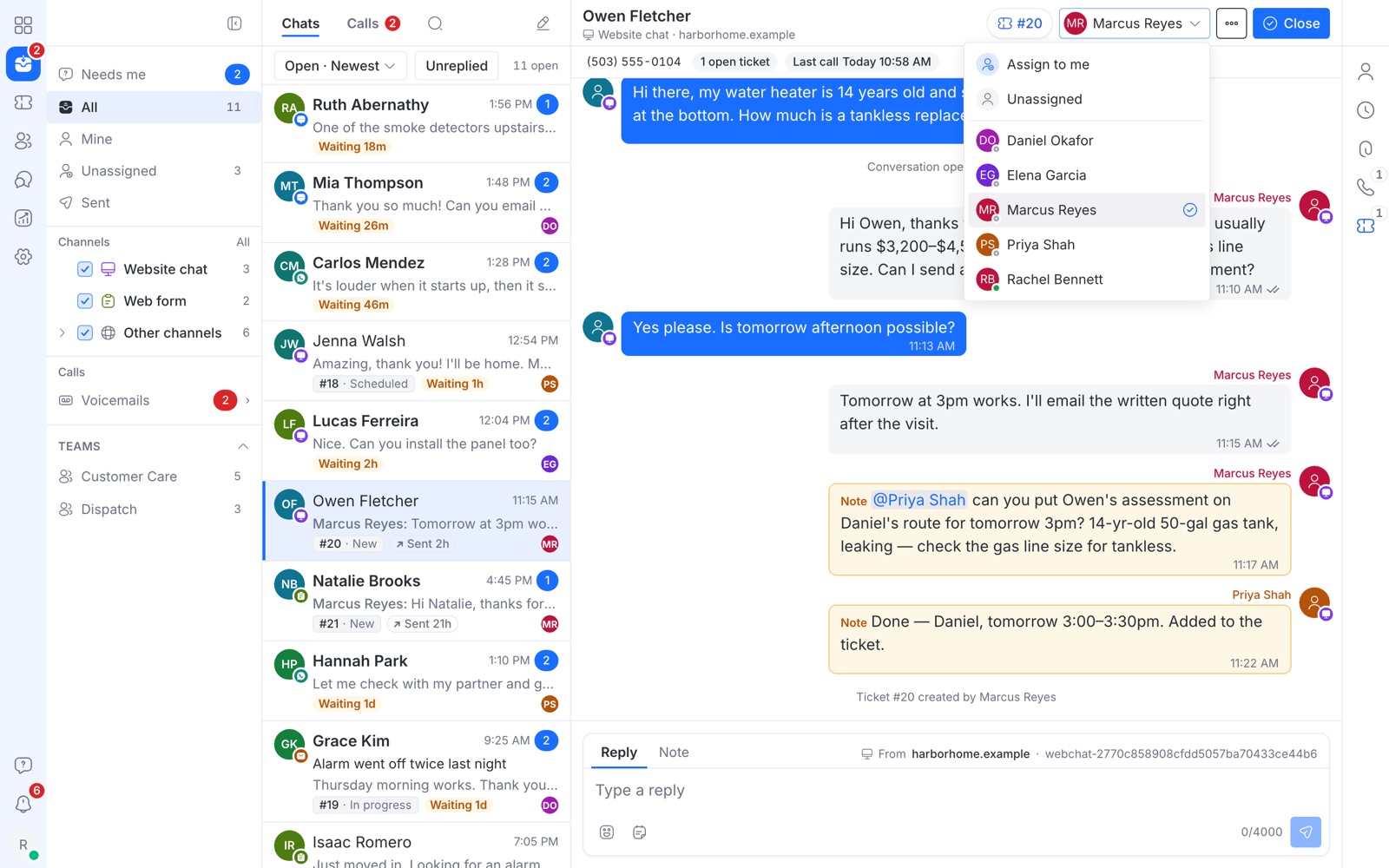
Assign conversations and talk privately with @mentions
Give a conversation to the right person in one click, or take it yourself. Discuss the customer in a private note; mention a teammate and they get notified. The customer never sees notes.
- Mine, Unassigned, Needs me and team views
- Private notes with @mentions
- Teams, for example Customer Care and Dispatch
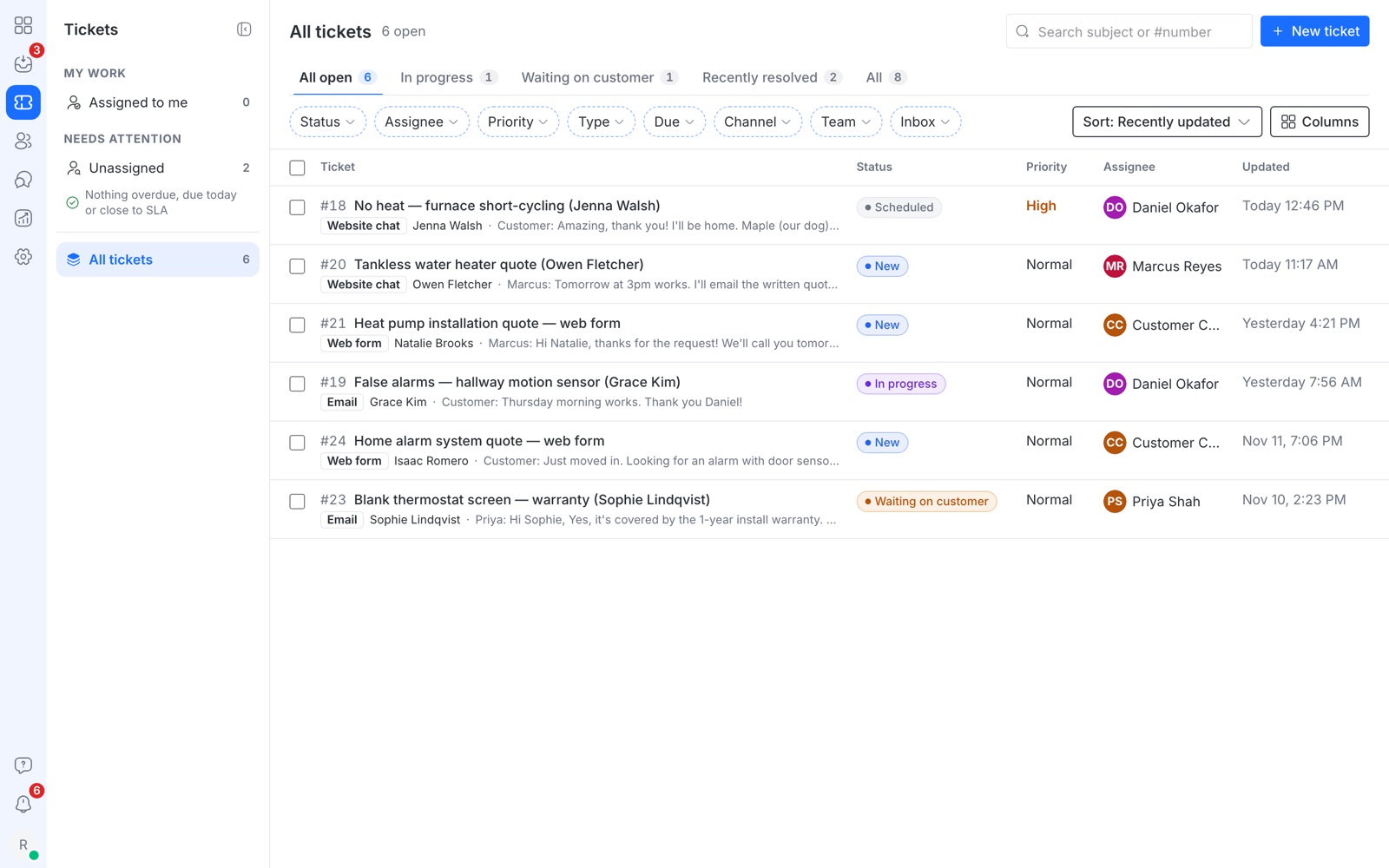
Help desk tickets built in
Turn a conversation into a ticket and follow it to done. Web forms can open a ticket automatically.
- New → In progress → Waiting on customer → Resolved
- Priority, owner, type and due date
- Filter by channel, team and inbox
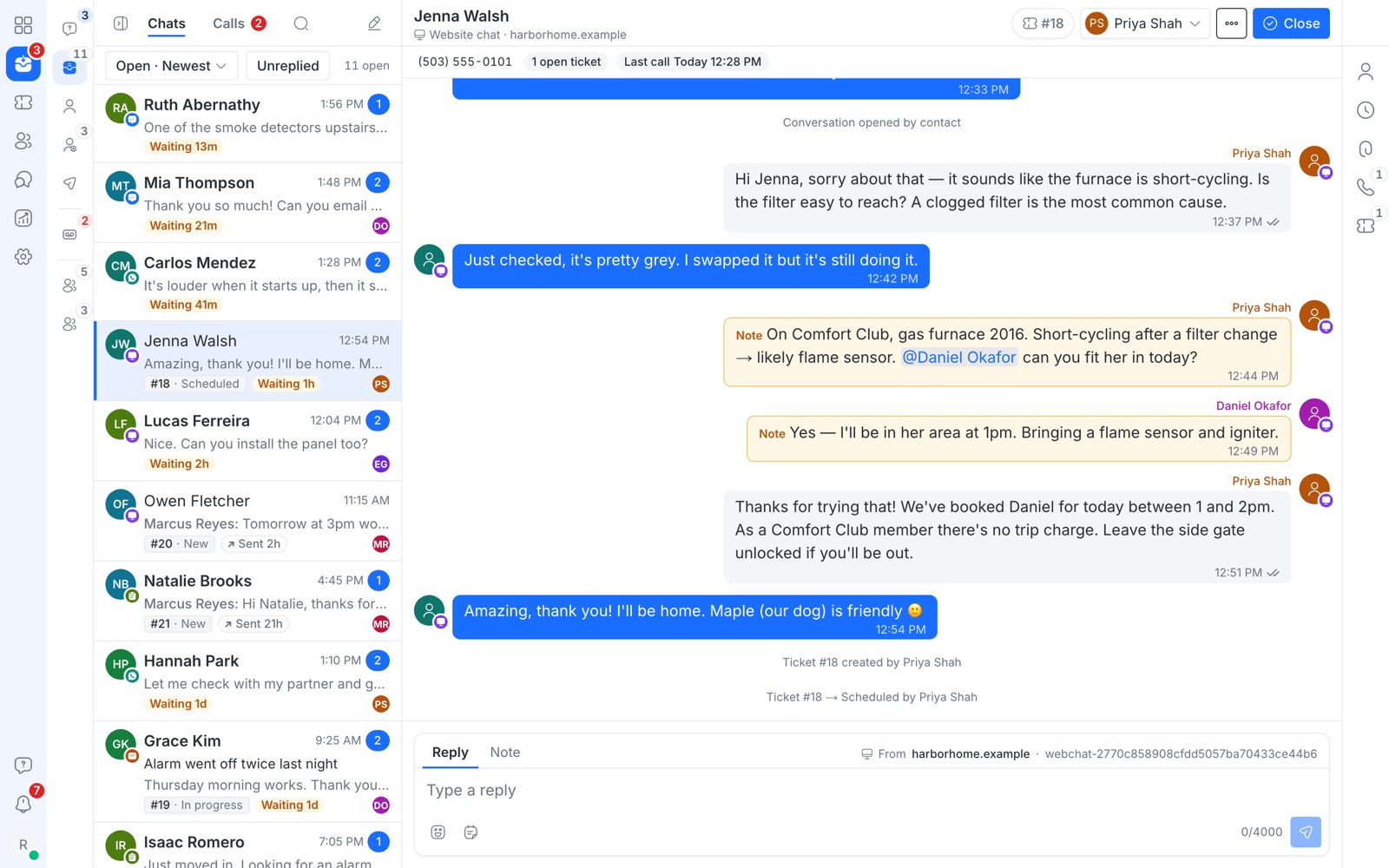
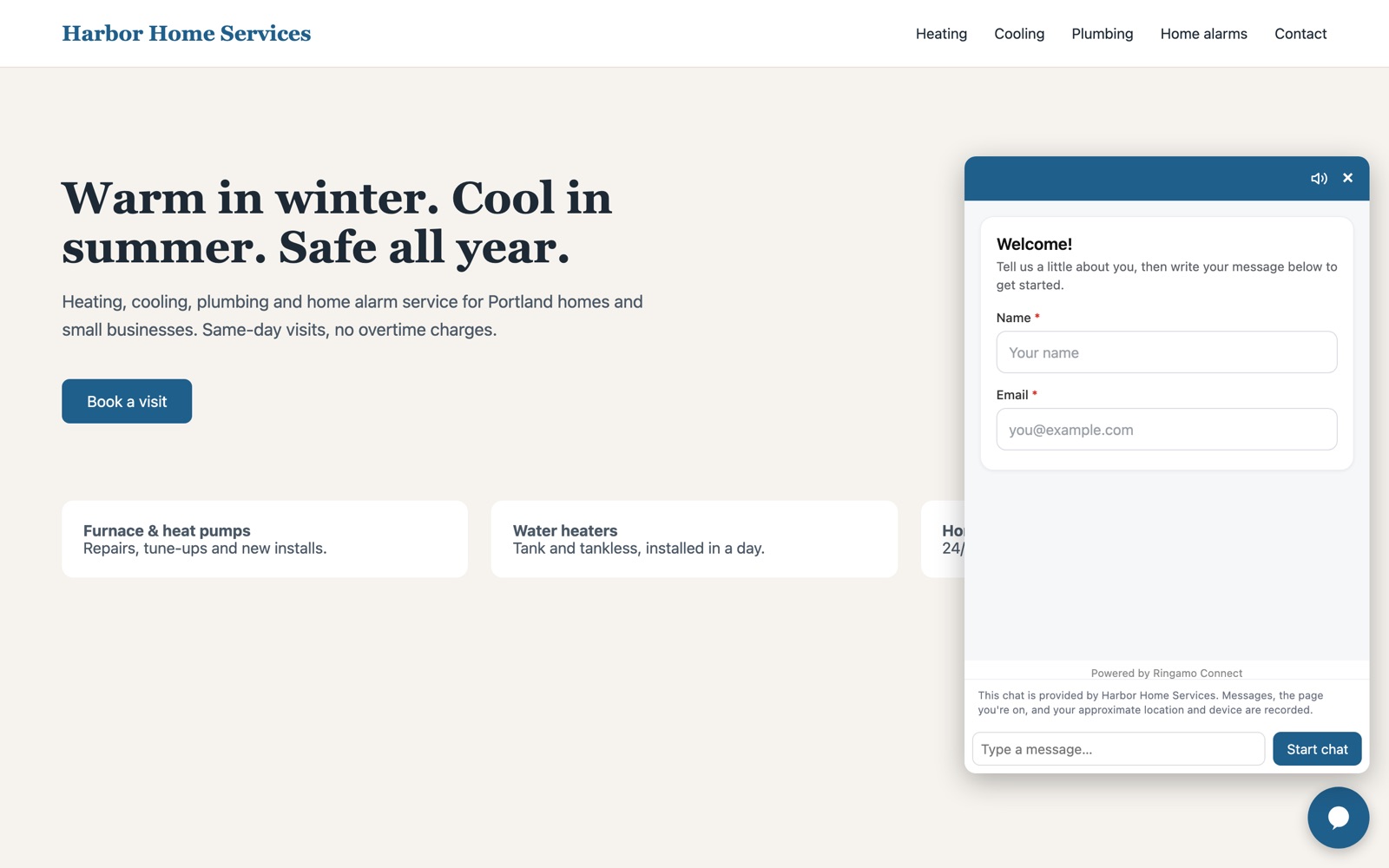
Know who you are talking to
Phone, email, every channel the person has used, open tickets and recent calls sit right beside the chat, plus your own fields such as service plan or access notes.
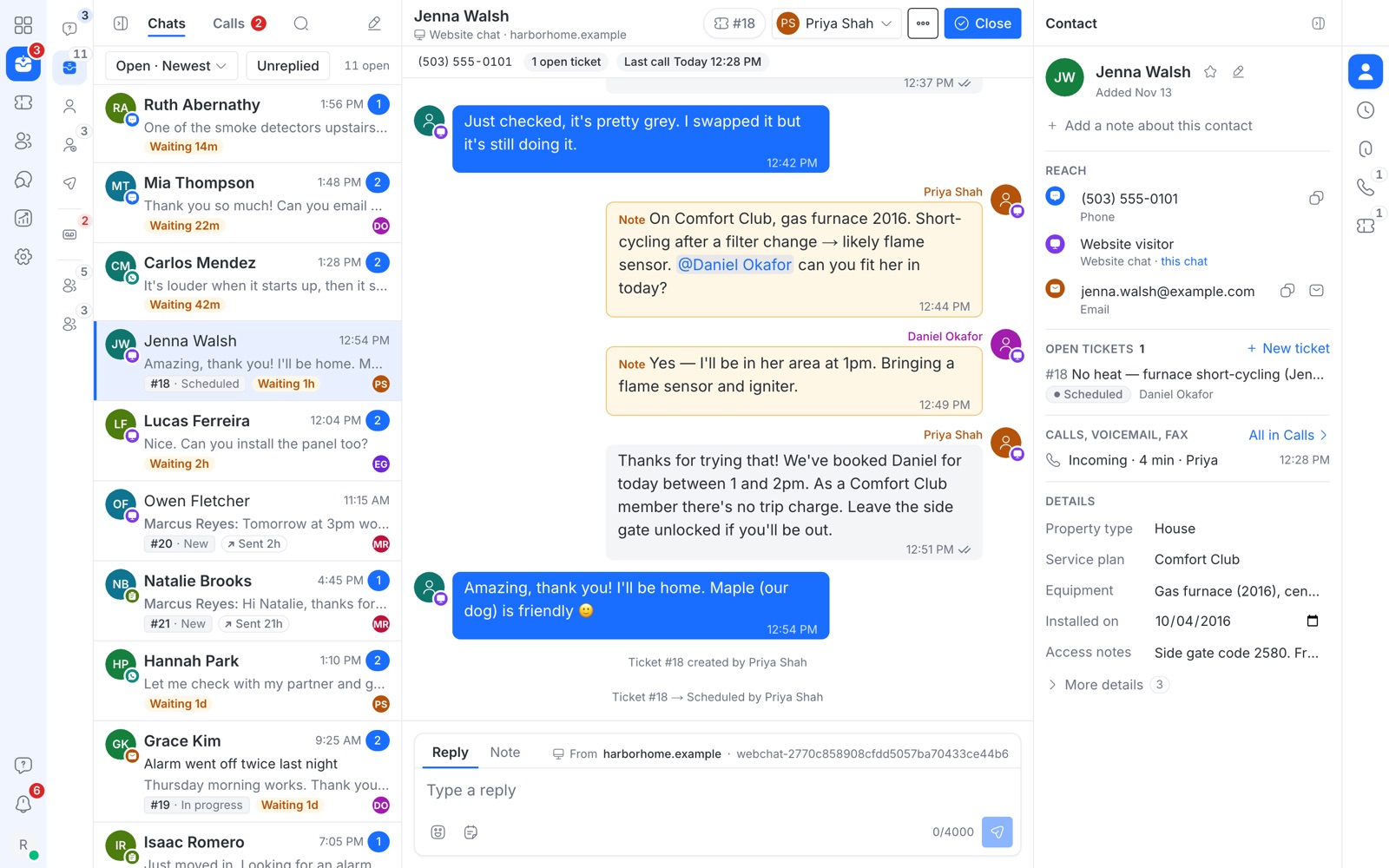
Missed calls and voicemail in the same timeline
Calls and voicemails appear next to the customer's texts and emails, so you call back with the full story in front of you.
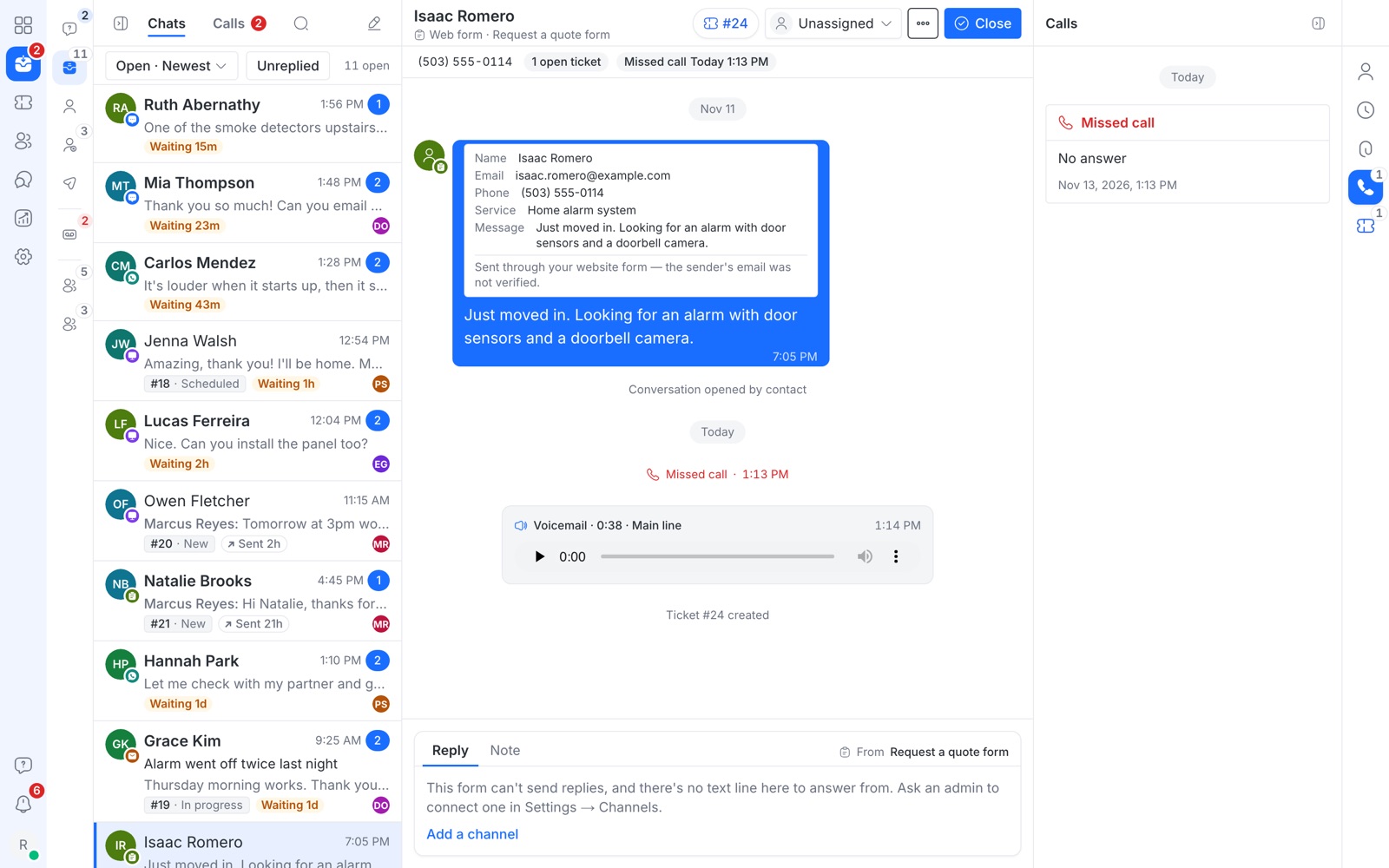
See how fast your team answers
Conversations handled, first-response time and your busiest days and hours, compared with the previous period. Ticket and call reports too.
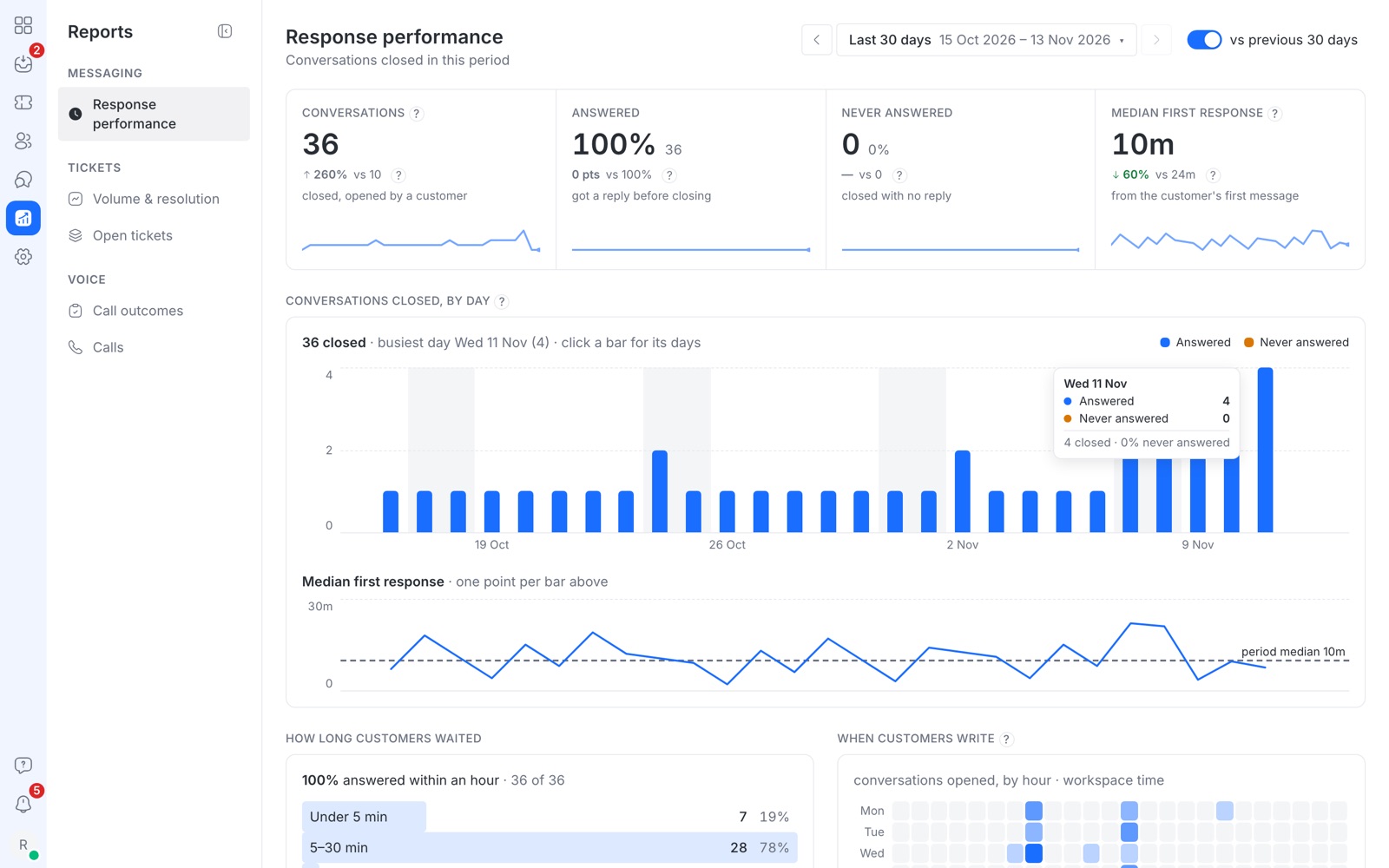
A website chat that asks for name and email first
Add the chat bubble to your site with one line of code. Visitors leave their name and email before the chat starts, so every lead can be followed up.
- Your colours and icon
- Working hours and an away message
- Only runs on the websites you allow
Answer from your phone
The inbox works in any phone browser, and there is an iPhone app with notifications, so a new message reaches you wherever you are.
Who it is for
Frequently asked questions
What is an omnichannel inbox?
An omnichannel inbox puts every way customers contact you, such as WhatsApp, SMS, email, website chat, web forms and phone calls, into one shared list. Your team sees the whole history with a customer in one thread, whichever channel they used.
What is the difference between omnichannel and multichannel?
Multichannel means you can be reached in several places, each with its own app. Omnichannel means those channels meet in one place, so a customer who emails and then sends a WhatsApp message is one conversation history, not two.
Can several people answer the same WhatsApp number?
Yes. Everyone on the team works from the same WhatsApp conversations. Assign each one to a person so nobody answers twice, and use private notes to discuss it.
Does it include help desk tickets?
Yes. Turn any conversation into a ticket with a priority, owner and status, or have web forms open a ticket automatically.
Can I use it on my phone?
Yes. It works in any phone browser, and an iPhone app with notifications is available.
How much does it cost?
It depends on your team size and the channels you need. Send a message or start a chat for a quote.
Want to see it with your own channels?
$ I reply within a day, usually much sooner.